Download Note list - Notes & Reminders free on android
APK file NotesNote list 4.28.2How to install APK / APKS / OBB file on Android
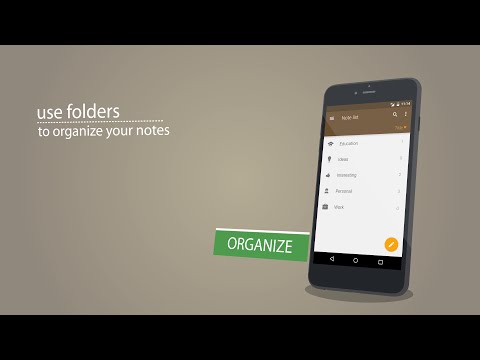

With Note list you can quickly write notes, todo items and write down all your ideas and reminders. Use the folder structure to keep all your notes organized. Looking for a simple yet powerful material design notepad app for your Android device, Note list is it.
Free functions
• Easy to use - Large notepad for writing notes, optimized for phones and tablets
• Organize notes - Store your notes in folders and archive folders.
• Sync notes - Synchronize notes on multiple devices with Google Drive™
• Quick access - Add a shortcut to your home screen to quickly open the notepad editor to write new notes.
• Reminders - Add reminders to notes and check completed tasks.
• Backup/Restore - Keep your notes save by using the backup manager or automatically backup your notes with the synchronization function.
• Calendar view - Note list a great note app and you can also use it to write down todo items.
• Language support for: English, Dutch, German, Spanish, Italian.
- LicenseFree
- File nameNotesNote list
- File Version4.28.2
- Package namecom.cubeactive.qnotelistfree
- Size6.3 MB
- UploadedFebruary 13, 2025
- Android6.0 or later
- CategoryProductivity
- DeveloperApps and Pixels
- Developer site
- Developer emailandroid@cubeactive.com
- md5 hashb603049d0b464cddc3202e60429e833d
- Architecture-
- Permissionsshow (14)